Screen Record: Screen recorder4.0
Publisher Description
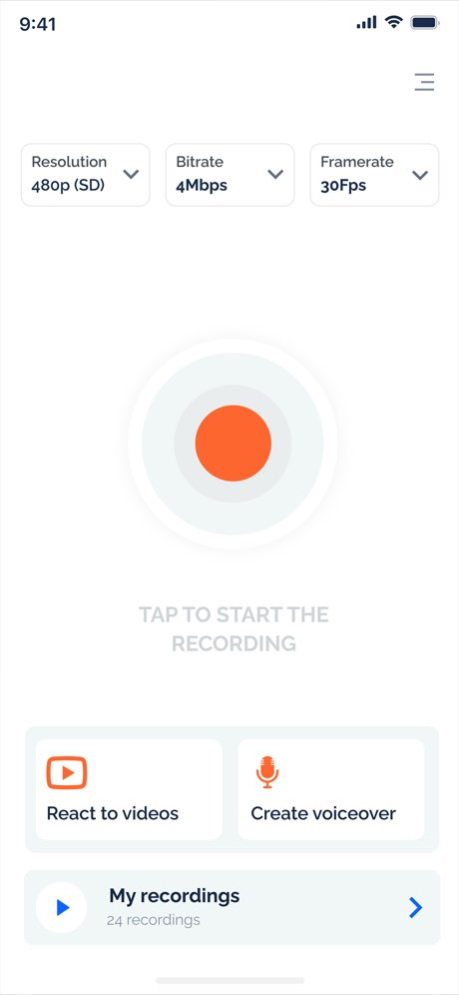
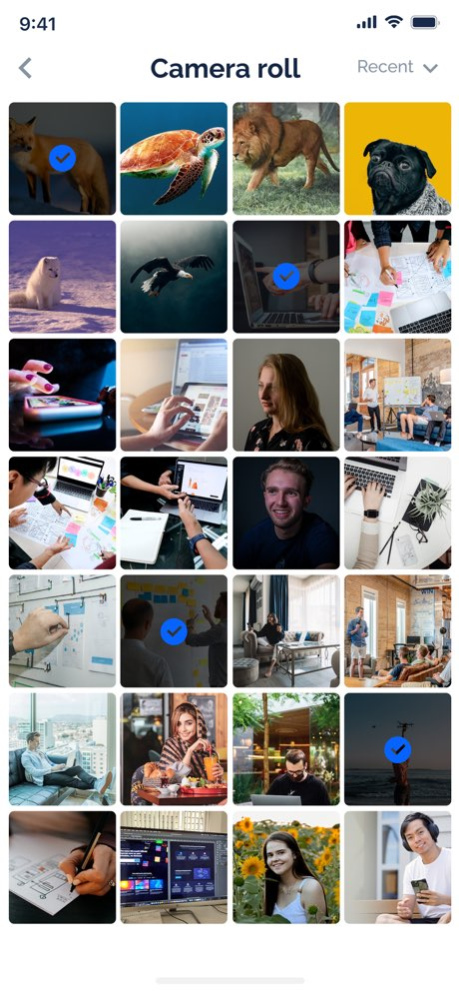
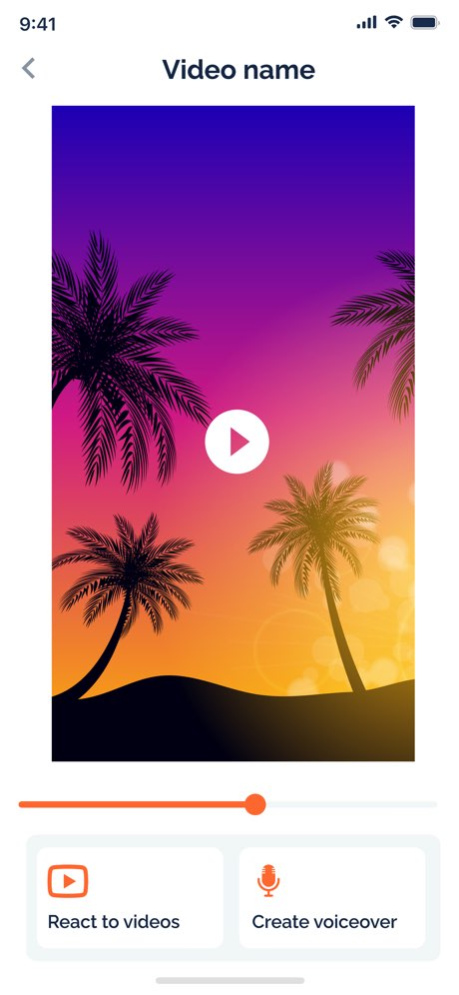
Recording your screen has never been easier with our good screen recorder! With our Face Cam feature, you can easily add reactions to your screen recordings and much more.
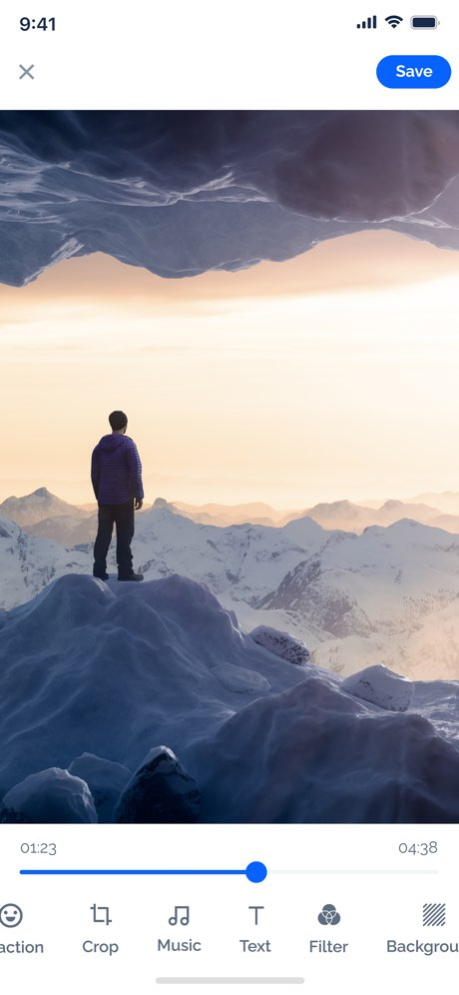
Additionally, our fully-fledged editing suite allows you to fine-tune your screen recordings to perfection. You can even export your recordings to any of your favorite apps hassle-free.
Features:
- Capture your screen
- Live stream your screen
- React using Face Cam to our videos or online
- Include audio commentary
- Use editing tools to perfect your screen recordings
- Save and share your recordings
Screen recorder comes as a free application with the option to upgrade using our premium feature.
- Yearly subscription for 23.99$ renews every year until cancelled.
- Monthly subscription for 6.99$ that auto renews every month until cancelled.
All payments are secured and handled by Apple and can managed from your Apple ID
For more information you can read about our privacy policy and terms below.
Privacy Policy: jannaj.me/privacy
Terms of Use: jannaj.me/terms
You can learn more about us and future projects at jannaj.me
Thank you for using our apps!
Version History Dear users,
It has been a while since I have been occupied with new projects that I will soon be releasing in the app store. In this version, I have addressed all reported issues and significantly improved the live stream function. I kindly ask you to test the new version extensively and share your valuable feedback.
Thank you! 4.0 12/11/2024 1.0 12/19/2023
About Screen Record: Screen recorder
The company that develops Screen Record: Screen recorder is Youssef Jannaj. The latest version released by its developer is 4.0.
To install Screen Record: Screen recorder on your iOS device, just click the green Continue To App button above to start the installation process. The app is listed on our website since 2026-10-14 and was downloaded 10 times. We have already checked if the download link is safe, however for your own protection we recommend that you scan the downloaded app with your antivirus. Your antivirus may detect the Screen Record: Screen recorder as malware if the download link is broken.
How to install Screen Record: Screen recorder on your iOS device:
- Click on the Continue To App button on our website. This will redirect you to the App Store.
- Once the Screen Record: Screen recorder is shown in the iTunes listing of your iOS device, you can start its download and installation. Tap on the GET button to the right of the app to start downloading it.
- If you are not logged-in the iOS appstore app, you'll be prompted for your your Apple ID and/or password.
- After Screen Record: Screen recorder is downloaded, you'll see an INSTALL button to the right. Tap on it to start the actual installation of the iOS app.
- Once installation is finished you can tap on the OPEN button to start it. Its icon will also be added to your device home screen.
Program Details
System requirements
Download information
Pricing
Version History
version 4.0
posted on 2026-10-14
Version History Dear users,
It has been a while since I have been occupied with new projects that I will soon be releasing in the app store. In this version, I have addressed all reported issues and significantly improved the live stream function. I kindly ask you to test the new version extensively and share your valuable feedback.
Thank you! 4.0 12/11/2024 1.0 12/19/2023
version 4.0
posted on 2024-12-11
Dear users,
It has been a while since I have been occupied with new projects that I will soon be releasing in the app store. In this version, I have addressed all reported issues and significantly improved the live stream function. I kindly ask you to test the new version extensively and share your valuable feedback.
Thank you!
